Ideal image sizes and formats for Social Media
Published in July 2026 • 8 min read
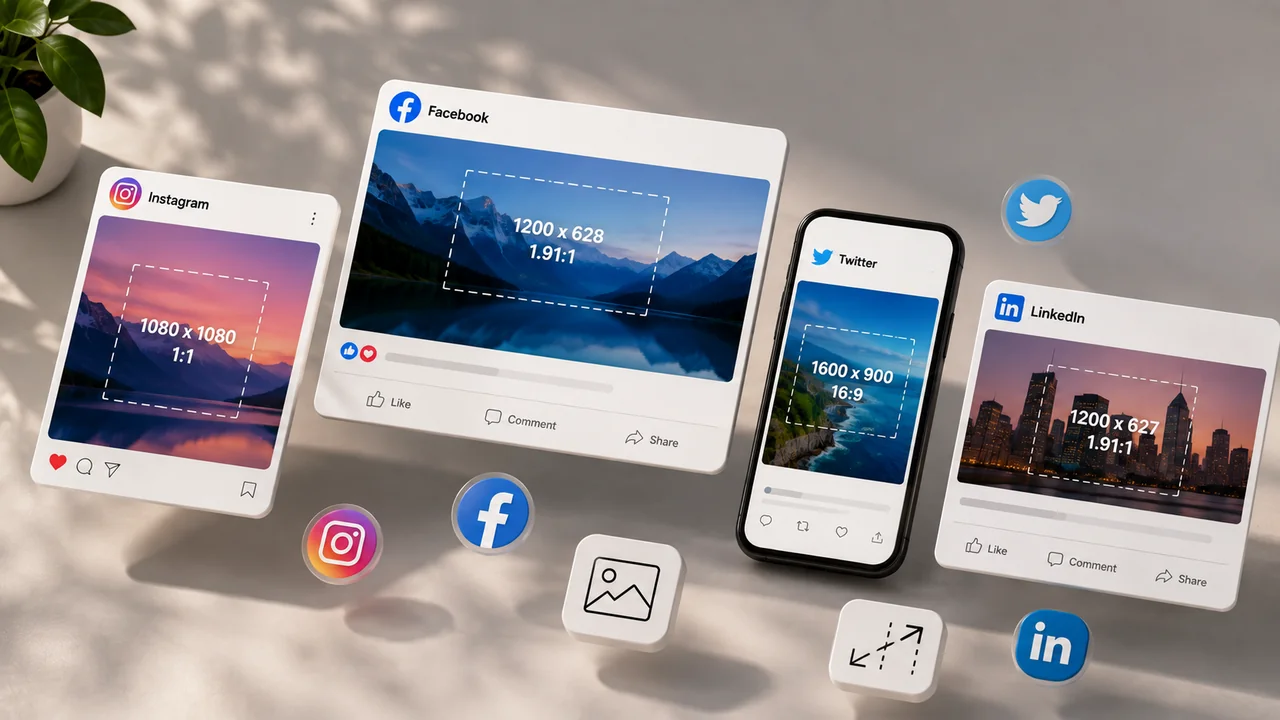
Posting a cropped, pixelated or wrongly proportioned image on social media is one of the most common and damaging mistakes content creators and brands make. Each platform has specific dimensions that, when ignored, result in automatic cropping that hides important parts of the image, black edges that convey amateurishness, or excessive compression that destroys visual quality.
In this complete and updated guide for 2026, we've gathered the recommended dimensions for all the main social networks, with practical tips for optimizing your images before publishing. Use this article as a quick reference whenever you need to create visual content.
Instagram is a primarily visual platform, which makes the correct dimensions even more critical.
- Square post (feed): 1080 x 1080 px (1:1 aspect ratio). The classic Instagram format, ideal for product photos and quotes.
- Portrait post (feed): 1080 x 1350 px (4:5 aspect ratio). It takes up more space in the feed than square, increasing visibility and engagement.
- Landscape post (feed): 1080 x 566 px (1.91:1 aspect ratio). Less recommended as it takes up less vertical space in the feed.
- Stories and Reels: 1080 x 1920 px (9:16 aspect ratio). Vertical full screen, the most engaging format on the platform.
- Profile photo: 320 x 320 px (displayed as a 110 x 110 px circle).
- Carousel: Any format above, but all images in the carousel must have the same aspect ratio.
Tip: For maximum engagement, use the 1080 x 1350 px (4:5) format in the feed. It takes up 30% more space on the screen than the square, which holds the user's attention for longer while scrolling.
- Image post (feed): 1200 x 630 px (1.91:1 aspect ratio). Facebook best optimizes images for this dimension.
- Cover photo: 820 x 312 px (desktop) / 640 x 360 px (mobile). The cover photo displays in different dimensions on desktop and mobile, so center important elements.
- Profile photo: 170 x 170 px (displayed as a circle).
- Stories: 1080 x 1920 px (9:16), identical to Instagram.
- Event image: 1920 x 1005 px.
- Ad (single image): 1200 x 628 px. Texts must occupy a maximum of 20% of the image area for better distribution.
X (formerly Twitter)
- Post with image: 1600 x 900 px (16:9 aspect ratio). X displays images in this aspect ratio in the feed.
- Header (cover): 1500 x 500 px.
- Profile photo: 400 x 400 px (displayed as a circle).
- Link card: 800 x 418 px (1.91:1 aspect ratio) for summary_large_image.
- Image post: 1200 x 627 px (1.91:1 aspect ratio).
- Cover image (personal profile): 1584 x 396 px.
- Cover image (company page): 1128 x 191 px.
- Profile photo: 400 x 400 px.
- Article post (thumbnail): 1200 x 644 px.
YouTube
- Video thumbnail: 1280 x 720 px (16:9 aspect ratio). This is perhaps the most important size — eye-catching thumbnails dramatically increase click-through rate.
- Channel banner: 2560 x 1440 px. The "safe zone" (visible on all devices) is 1546 x 423 px in the center.
- Profile photo: 800 x 800 px (displayed as a circle).
TikTok
- Video: 1080 x 1920 px (9:16 aspect ratio). Always vertical, full screen.
- Profile photo: 200 x 200 px minimum.
- Default Pin: 1000 x 1500 px (2:3 aspect ratio). Vertical pins perform much better on Pinterest.
- Square pin: 1000 x 1000 px.
File format: JPEG, PNG or WebP?
In addition to dimensions, the file format also matters:
- JPEG: Ideal for photographs and images with lots of colors and gradients. Smaller file size but lossy compression.
- PNG: Ideal for images with text, logos, screenshots and any image that requires transparency. Larger size, but without loss of quality.
- WebP: Modern format that combines superior quality with smaller sizes than JPEG and PNG. Supported by all modern social platforms.
Use Free Conversion Image Converter to resize, convert formats and compress your images before publishing them, ensuring the best possible quality within the limits of each platform.
Conclusion
Using the correct dimensions for each social network is not a trivial detail — it is the difference between professional content that engages and an amateur post that is ignored. Save this guide to your favorites and refer to it whenever you need to create visual content. And if you need to resize or convert image formats, use our free tools to ensure your images are always perfect.