Complete guide: What is the difference between MP4, AVI and MKV?
Published in July 2026 • 8 min read
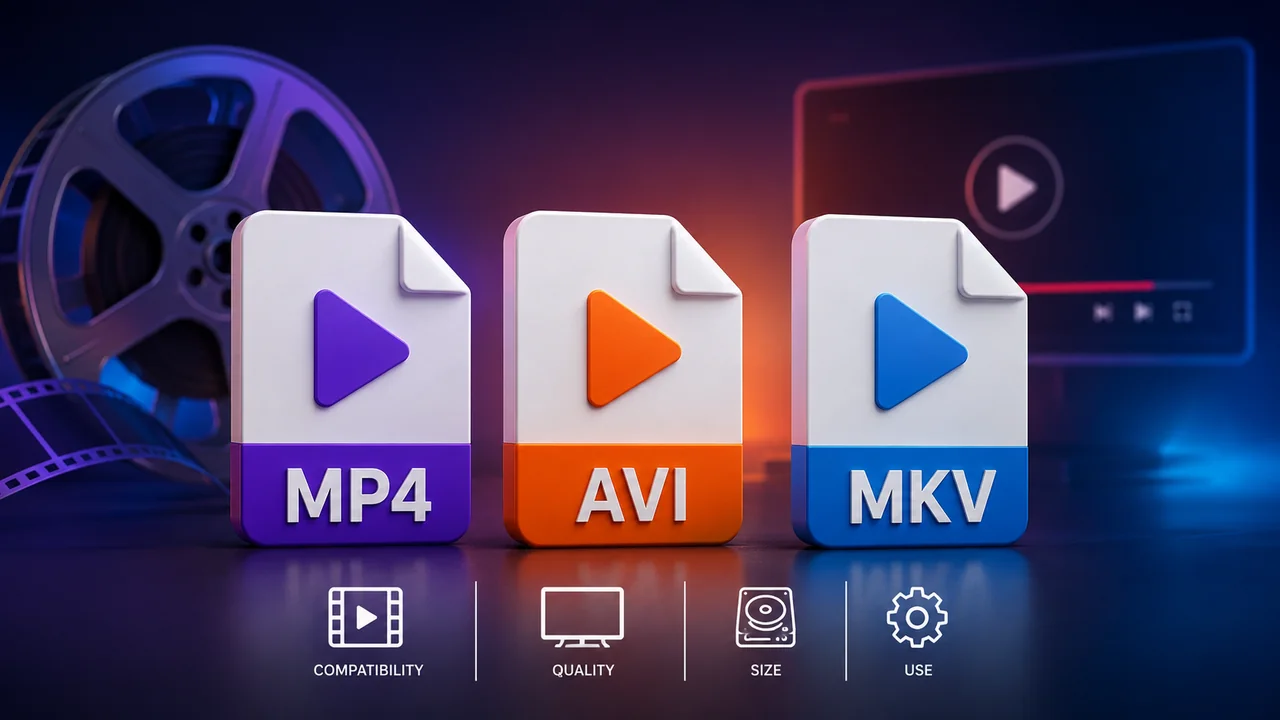
If you've ever downloaded movies, recorded videos on your cell phone or tried to watch a video that didn't open in your player, you've probably already encountered confusion between MP4, AVI and MKV formats. These three formats are the most popular in the world for video storage, but each has very distinct characteristics, advantages and limitations that directly impact your experience.
In this comprehensive guide, we will explain in detail what each format does, when to use each one, and how to convert between them when necessary.
What is a video "container"?
Before diving into formats, it is essential to understand a fundamental concept: containers vs codecs. A video file such as ".mp4" or ".mkv" is not the video itself — it is a container (container) that stores several tracks of data within itself:
- Video track: Moving images, encoded using a video codec (such as H.264, H.265/HEVC or VP9).
- Audio track: The sound, encoded with an audio codec (such as AAC, MP3, AC3 or FLAC).
- Subtitles: Texts synchronized with the video (SRT, ASS, SSA).
- Metadata: Information about the video such as title, language, frame rate, duration and chapters.
Think of the container as a box: the box (MP4, AVI or MKV) defines the external format, but the content inside (codecs) determines the actual quality and compatibility of the video.
MP4 (MPEG-4 Part 14)
MP4 is by far the most universal and widely supported video format in the world. Developed by ISO (International Organization for Standardization), it has become the industry standard for digital video distribution.
Supported codecs
- Video: H.264 (AVC) — the most common; H.265 (HEVC) — better compression; AV1 — the most modern.
- Audio: AAC (standard), MP3, AC3 (Dolby Digital).
- Subtitles: Limited support (usually tx3g/mov_text only).
Advantages of MP4
- Virtually universal compatibility — works on smartphones, TVs, consoles, web players and virtually any device manufactured after 2005.
- Standard format for YouTube, Instagram, TikTok and all major streaming platforms.
- Excellent streaming support (can start playing before the download is complete).
- Optimized file size (especially with H.264 or H.265).
Disadvantages of MP4
- Limited support for multiple audio tracks and subtitles (not ideal for films with multiple languages).
- Does not support all exotic codecs (like FLAC for lossless audio within the container).
AVI (Audio Video Interleave)
AVI is one of the oldest video formats still in use, developed by Microsoft in 1992. It was the de facto standard for digital video throughout the 1990s and early 2000s.
Supported codecs
- Video: Virtually any codec — DivX, Xvid, H.264, MJPEG, no compression.
- Audio: MP3, PCM (uncompressed), AC3.
- Subtitles: Does not support embedded subtitles.
Advantages of AVI
- Excellent compatibility with older Windows systems and classic media players.
- Supports uncompressed video, ideal for professional video capture.
- Simple and robust format — AVI files rarely become corrupted.
Disadvantages of AVI
- Files significantly larger than MP4 (especially with older codecs like DivX).
- Does not support streaming (you need to download the entire file before playing).
- No support for embedded subtitles or multiple audio tracks.
- Limited compatibility on modern mobile devices and smart TVs.
- Format considered obsolete by the industry — few modern programs generate AVI as standard.
MKV (Matroska Video)
MKV is the most flexible and technically advanced format of the three. Developed as an open source project in 2002 by the Matroska team, it was designed to be the "universal container" that supports absolutely everything.
Supported codecs
- Video: Literally any existing codec — H.264, H.265, AV1, VP9, MPEG-2, Theora, no compression.
- Audio: Any codec — FLAC, DTS, Dolby Atmos, AAC, MP3, Vorbis, Opus, PCM.
- Subtitles: Full support for multiple subtitle tracks in different formats (SRT, ASS/SSA, VobSub, PGS).
Advantages of MKV
- Supports unlimited number of audio, video and subtitle tracks in the same file.
- Ideal for films with multiple languages and subtitles.
- Supports chapters (like a DVD/Blu-ray, allows you to skip between scenes).
- Supports lossless audio (FLAC, DTS-HD) for audiophiles.
- Open source and royalty-free.
Disadvantages of MKV
- Lower compatibility than MP4 — many smart TVs, consoles and smartphones do not play MKV natively.
- It is not accepted by social media platforms (YouTube, Instagram, TikTok).
- Does not support streaming natively.
- Files may be larger due to extra tracks and uncompressed codecs.
Summary comparative table
To make the decision easier, see the side-by-side comparison:
- Compatibility: MP4 (excellent) > AVI (good on Windows) > MKV (limited)
- File size: MP4 (smallest) > MKV (variable) > AVI (larger)
- Multiple audio tracks: MKV (yes) > MP4 (limited) > AVI (no)
- Built-in subtitles: MKV (yes) > MP4 (limited) > AVI (no)
- Streaming: MP4 (yes) > MKV (no) > AVI (no)
- Ideal use: MP4 (general distribution), MKV (personal collection), AVI (legacy)
Which format to choose?
- For social networks and sharing: MP4 with H.264 — maximum compatibility, accepted on all platforms.
- For personal movie collection: MKV — supports multiple languages, subtitles and high-quality audio.
- For compatibility with older systems: AVI — if you need to play on an older DVD player or Windows XP system.
- For professional editing: Depends on the software. Premiere Pro and DaVinci Resolve work well with MP4 (H.264) and MKV.
How to convert between formats
If you have an MKV video that you need to send via WhatsApp (which only accepts MP4), or an old AVI that you want to watch on your smart TV, use Free Conversion Video Converter. The conversion happens entirely in your browser — no uploads to servers — and supports all formats mentioned in this article.
Conclusion
MP4, AVI and MKV are all video containers, but they serve different purposes. MP4 is the universal standard for distribution; the MKV is the choice of enthusiasts who want maximum flexibility; and the AVI is a legacy that is gradually being replaced. For most people and situations, MP4 with the H.264 codec is the safest and most compatible choice.