How to Remove Background from Images Online for Free in Seconds
Whether to create a professional online store, put together impactful presentations or develop graphic materials for social media, the need to remove the background of an image has become routine in the lives of entrepreneurs, content creators and designers. In the past, this task required expensive, cumbersome software and hours of patience using tools such as a pen or magic wand in complex editors. Today, thanks to Artificial Intelligence, anyone can get perfect results with just a few clicks. In this comprehensive guide, we will explore how to optimize your time using free and efficient tools to remove the background from your photographs online and without hassle.
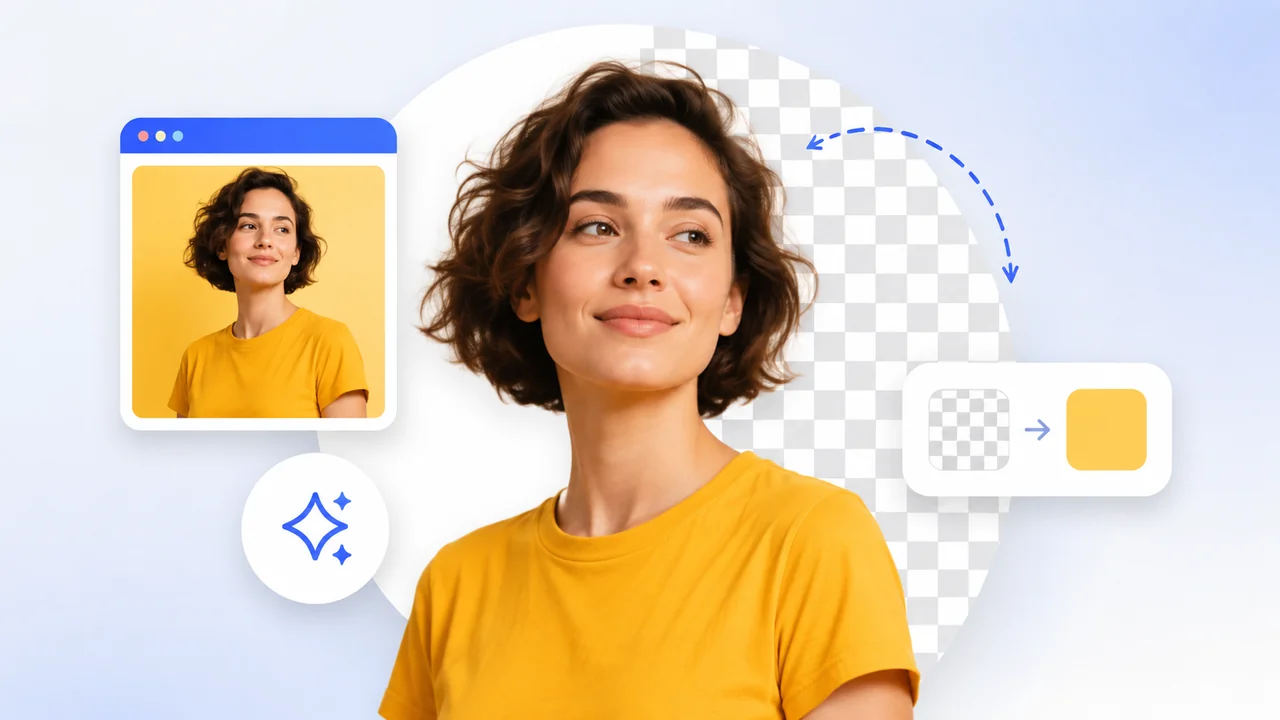
Why remove the background from your images?
Background removal is an essential process for many areas of marketing and design. The main advantage is the isolation of the main element of the photograph (be it a person, a product, a pet or an object), allowing you to position it over any background or color. See some essential applications:
- E-commerce and Virtual Stores: Product images with a white or transparent background (PNG) convert much more. They convey confidence, professionalism and allow customers to focus on the details of the merchandise without distractions.
- Marketing and Social Networks: To create promotional banners, video covers (thumbnails) on YouTube and attractive posts for Instagram, separating the main subject is one of the most used resources in modern visual editing.
- Corporate Presentations and Documents: Make slides cleaner by superimposing logos, faces or illustrations in a fluid way without those unsightly white squares around them.
- Graphic Design and Photomontages: Create creative compositions, combine multiple elements, make flyers and produce artwork that engages your target audience much more quickly and accurately.
The Artificial Intelligence Revolution in Photo Editing
Before AI became popular, hair clippings, furry edges, see-through fabrics, or fine details like grass and feathers were every photo editor's nightmare. The famous "Pen Tool" required a lot of skill. Currently, modern computer vision algorithms are trained with millions of images, learning exactly to distinguish what is the subject (foreground) and what makes up the background (background). This results in cuttings with millimeter precision in fractions of a second.
How does automatic removal technology work?
The process behind the magic involves Machine Learning and deep neural networks (Deep Learning). When you upload the photo, artificial intelligence analyzes each pixel, identifying color patterns, shadows, contrasts and shapes. The algorithm builds a kind of mask (alpha channel), defining with smooth and precise edges what should be kept and what should be deleted, returning an image in PNG format, which supports native transparency.
The Step by Step: Removing the Background from your Image
The best thing about using a free online service is that there is no need to install heavy software that slows down your computer or drains your cell phone's battery. Modern processing takes place quickly via your own browser. Follow the simplicity of the process:
- Access the right tool: Navigate to Free Conversion's dedicated Remove Background online tool.
- Select your photo: You can drag and drop the desired image directly onto the screen or click to choose the file from your gallery or file manager (supports JPG, PNG, WebP and more).
- Wait for the Magic: In a few moments, artificial intelligence will process the image. You don't need to make manual markings, the tool will identify the person or object on its own.
- Download your new image: With the background properly erased, simply click on "Download Image" to save your art in high quality and with a completely transparent background in PNG.
Best practices for perfect cropping
Although artificial intelligence is extremely advanced, the quality of your original image immensely helps the algorithm to do an impeccable job. If you're going to photograph a product or take a selfie, remember these crucial tips:
- Contrast is key: Try to ensure that the highlighted object is a color that contrasts with the original background. If the person is wearing a black shirt on a dark wall, the algorithm will have a harder time finding the edge than if they were on a light wall.
- Good lighting: Avoid harsh shadows and dark photos. Uniform lighting helps artificial intelligence accurately define lines and curves.
- Camera quality: Photos with higher resolution and good sharpness result in much smoother and more perfect edges after the cropping process.
The Importance of Privacy
It is important to highlight an essential benefit of using Free Conversion tools: privacy. When removing the background from your personal photos, family photos or sensitive agency client files, our platform stands out as the vast majority of modern processing we implement aims to work locally, directly in your browser, or guarantees complete data deletion. Your photos remain only with you, without becoming a database for third-party companies or remaining stagnant on dubious servers in the cloud.
Conclusion
The democratization of design has arrived and technical barriers have fallen. Today, the professional editing that would otherwise consume a good part of your day can be done with excellence in just one or two clicks. Try optimizing your store's catalog or improving the visual quality of your social media posts by removing the background from your photographs today using our practical and 100% free tool.