How to create secure QR Codes for your customers
Published in July 2026 • 8 min read
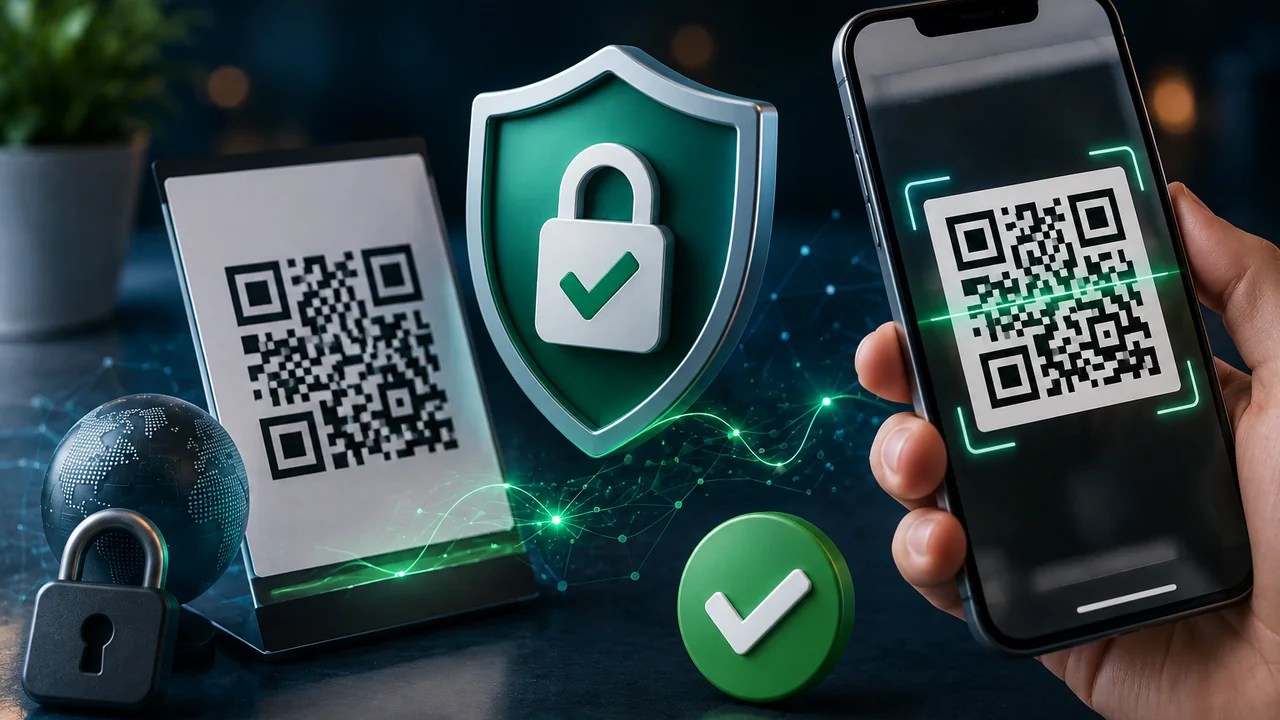
QR Codes have become ubiquitous in Brazilian daily life — from payments via Pix to restaurant menus, event tickets and corporate badges. However, as the technology became more popular, the security risks associated with it also grew. Scammers have already learned to exploit QR Codes to direct victims to fake phishing sites, install malware on cell phones or steal bank details.
In this article, we will explain the real risks of QR Codes, the crucial difference between static and dynamic QR Codes from a security perspective, and how you can protect your customers by generating reliable and transparent codes.
How scammers use QR Codes for fraud
The most common attack using QR Codes is called "QRishing" (a combination of "QR" and "phishing"). It works like this:
- The scammer generates a QR Code that points to a fake website that imitates a well-known bank, store or service.
- The fake QR Code is pasted on top of a legitimate QR Code in a public place (such as a payment terminal, parking totem or restaurant table).
- The victim scans the code thinking it is legitimate and ends up on a phishing site where they enter personal data, passwords or banking information.
Another common attack involves QR Codes that direct to automatic downloads of malicious applications or that exploit cell phone browser vulnerabilities to silently install spyware.
Static vs Dynamic QR Code: Security
Understanding the difference between these two types is essential for security:
Static QR Code
Contains the destination URL encoded directly into the code's visual pattern. When the user scans, the cell phone decodes the pattern and shows the full URL before opening. The user can see exactly where the link goes (for example, https://seurestaurante.com.br/cardapio).
Security advantage: Total transparency. The destination is visible before the click. It does not depend on any intermediary service. If the URL is from your business domain, the customer knows it is legitimate.
Dynamic QR Code
Contains an intermediate URL (usually from a third-party service like bit.ly, qr-code-generator.com, etc.) that redirects to the final destination. The URL the user sees when scanning is something like https://qr.servico.com/abc123 — they don't know where they will be redirected until they click.
Security risk: If the intermediary service is compromised, or if someone with access to the control panel changes the destination, all printed QR Codes will redirect to a different website — potentially malicious. Furthermore, if the service closes or the plan expires, the QR Code simply stops working.
Good security practices with QR Codes
To protect your customers and your business’s reputation, follow these recommendations:
- Prefer static QR Codes: Use our free generator to create QR Codes that point directly to URLs on your domain. No intermediaries, no risks of malicious redirects.
- Use HTTPS: Always point QR Codes to URLs with the HTTPS protocol (green padlock). Websites without HTTPS can be intercepted by attackers on public Wi-Fi networks.
- Physically check: If you use QR Codes in public places (tables, totems, shop windows), regularly check that no one has pasted a fake QR Code sticker on top of yours.
- Include visual context: Next to the QR Code, include your company logo and URL in writing. This allows more cautious customers to enter the URL manually if they prefer.
- Test Periodically: Scan your own QR Codes at least once a month to ensure they are still working and pointing to the correct destination.
- Educate your customers: Include a small note saying "Always check the address in the browser bar before entering personal data."
For establishments with Pix via QR Code
If your business accepts payments via Pix using a printed QR Code, you need to pay extra attention:
- Never leave Pix QR Codes in places where they can be easily replaced by third parties.
- Print the Pix QR Code inside a sealed display or behind glass/acrylic.
- Next to the QR Code, clearly display the name of the account that will receive the payment so that the customer can confirm before sending.
- Consider using a Pix QR Code that displays the fixed amount, preventing customers from accidentally changing the amount.
Generating safe and free QR Codes
Free Conversion QR Code Generator exclusively creates static QR Codes — the most secure and transparent option available. The generated code contains the destination URL directly, without intermediaries, without third-party tracking and without an expiration date. It works forever and your customer will always see exactly where the link leads before opening it.
Furthermore, the entire generation process happens locally in your browser. No data is sent to our servers. Not even we know which QR Codes you are generating — your privacy is complete.
Conclusion
QR Codes are powerful and practical tools, but they need to be used responsibly. Always opt for static QR Codes from domains you control, check your physical codes regularly, use HTTPS, and educate your customers on how to check links before entering personal data. With these simple precautions, you protect your customers and the credibility of your business.