What is AVIF? The image format that is dominating the internet
Published in July 2026 • 8 min read
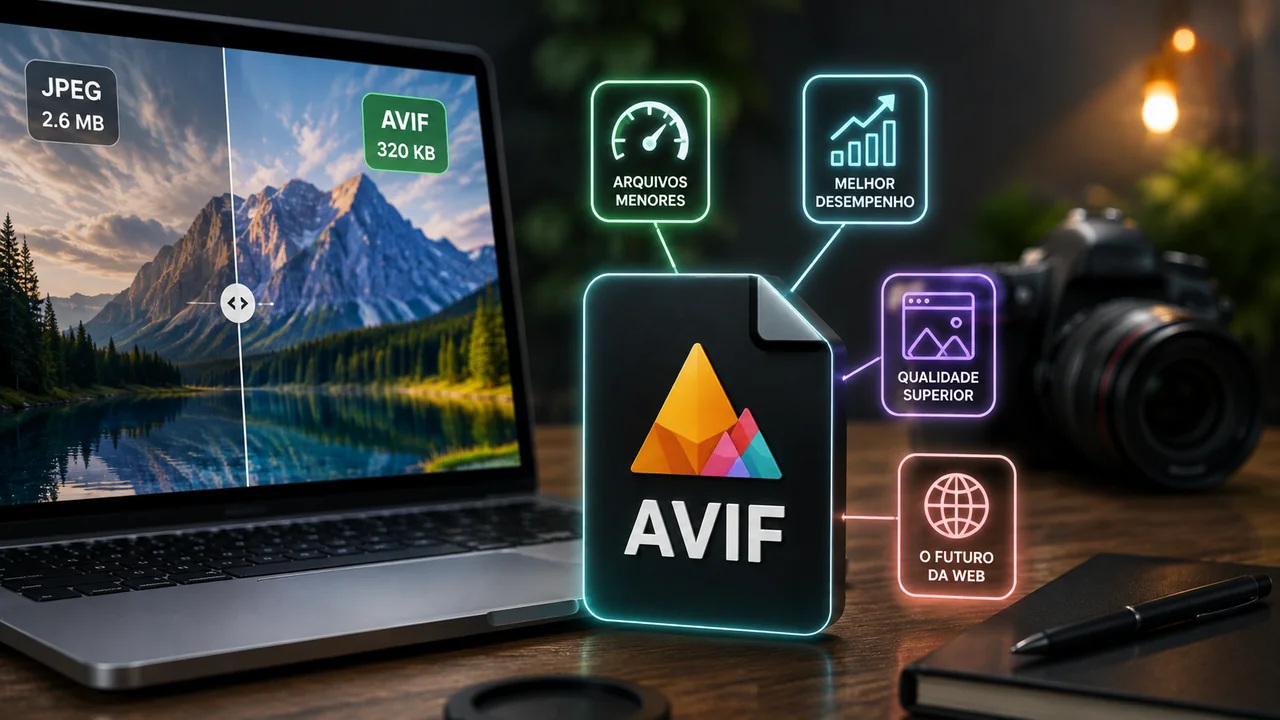
If you follow the world of web technology, you've probably heard of WebP — Google's image format that promised to replace JPEG. But there's a new format that's quickly becoming the king of image compression: AVIF (AV1 Image File Format). Based on the AV1 video codec, AVIF delivers stunning visual quality in tiny file sizes, often 50% smaller than JPEG and 20% smaller than WebP for the same perceived quality.
In this article, we will explain in detail what AVIF is, how it works, its advantages and disadvantages, and when you should (or should not) use it in your projects.
The story behind AVIF
AVIF was developed by the Alliance for Open Media (AOMedia) — a consortium that includes giants such as Google, Netflix, Amazon, Apple, Microsoft, Meta and Mozilla. It is based on the AV1 video codec, which was specifically designed to be open source and royalty-free, unlike proprietary formats like Apple's HEIF/HEIC.
Netflix was one of the first companies to adopt AVIF on a large scale, using it to compress thumbnails and posters for films/series in its catalog. The results were impressive: an average reduction of 50% in file size compared to JPEG, with equivalent or better visual quality.
How does AVIF work?
AVIF uses extremely advanced compression techniques inherited from the AV1 codec:
- Intra-frame prediction: Analyzes patterns within the image to predict and eliminate data redundancies.
- Advanced Transforms: Converts blocks of pixels into more efficient mathematical representations for storage.
- In-loop filtering: Applies smoothing filters during decoding to reduce compression artifacts, resulting in cleaner images.
- HDR and wide gamut support: Natively supports 10 and 12 bit color depth, making it ideal for HDR images with vivid colors.
AVIF vs JPEG vs WebP vs PNG: Comparison
To help visualize the differences, here's a head-to-head comparison of the most popular formats:
- Compression: AVIF > WebP > JPEG >> PNG (from best to worst lossy compression ratio).
- Quality at small sizes: AVIF preserves much more detail than JPEG and WebP at equivalent file sizes, especially at aggressive compression rates.
- Transparency (alpha channel): AVIF ✅, WebP ✅, PNG ✅, JPEG ❌.
- Animation: AVIF ✅, WebP ✅ (replaces animated GIFs), PNG ✅ (APNG), JPEG ❌.
- HDR: AVIF ✅ (up to 12-bit), WebP ❌ (8-bit), PNG ✅ (16-bit), JPEG ❌ (8-bit).
- Encoding speed: PNG > JPEG > WebP >> AVIF (AVIF is the slowest to encode).
- Compatibility: JPEG > PNG > WebP > AVIF (JPEG is most universally supported).
Browser support in 2026
AVIF support has grown rapidly in recent years:
- Google Chrome: Full support since version 85 (2020).
- Firefox: Full support since version 93 (2021).
- Safari: Full support since version 16.4 (2023).
- Edge: Full support (same engine as Chrome).
- Opera: Complete support.
By 2026, virtually all modern browsers support AVIF. The only relevant exceptions are very old browsers and some native image viewing applications that have not yet been updated.
When to use AVIF
- Websites and applications: Ideal for reducing page loading times. Use with the HTML
<picture>tag to provide AVIF with fallback to WebP and JPEG. - E-commerce: Product images in AVIF load faster, improving the user experience and potentially increasing sales.
- Social networks: Although platforms recompress your images, uploading originals to AVIF guarantees the best possible base quality.
- HDR Photos: Native 10/12-bit and wide color gamut support makes AVIF perfect for HDR images.
When NOT to use AVIF
- Frequent editing: AVIF is a lossy format. If you are going to edit the image repeatedly, keep the original in PNG or TIFF and export to AVIF only in the final version.
- Need for maximum compatibility: If your audience includes very old devices, use JPEG as a fallback.
- Real-time processing: AVIF encoding is significantly slower than JPEG. For applications that generate images in real time, JPEG or WebP may be more suitable.
How to Convert Images to AVIF
With Free Conversion Image Converter, you can convert JPEG, PNG and WebP to AVIF (and vice versa) in seconds, right in the browser. Processing is local — your images are never sent to any server.
Conclusion
AVIF represents the state of the art in image compression. With universal browser support by 2026, open source, royalty-free, and superior quality in smaller sizes, it's the ideal choice for any modern web project. If you're still using pure JPEG, you're literally wasting bandwidth and loading speed. Try converting your images to AVIF with our free tools and see the difference for yourself.