Online Tools vs Installed Software: The Future of Work
Published in July 2026 • 8 min read
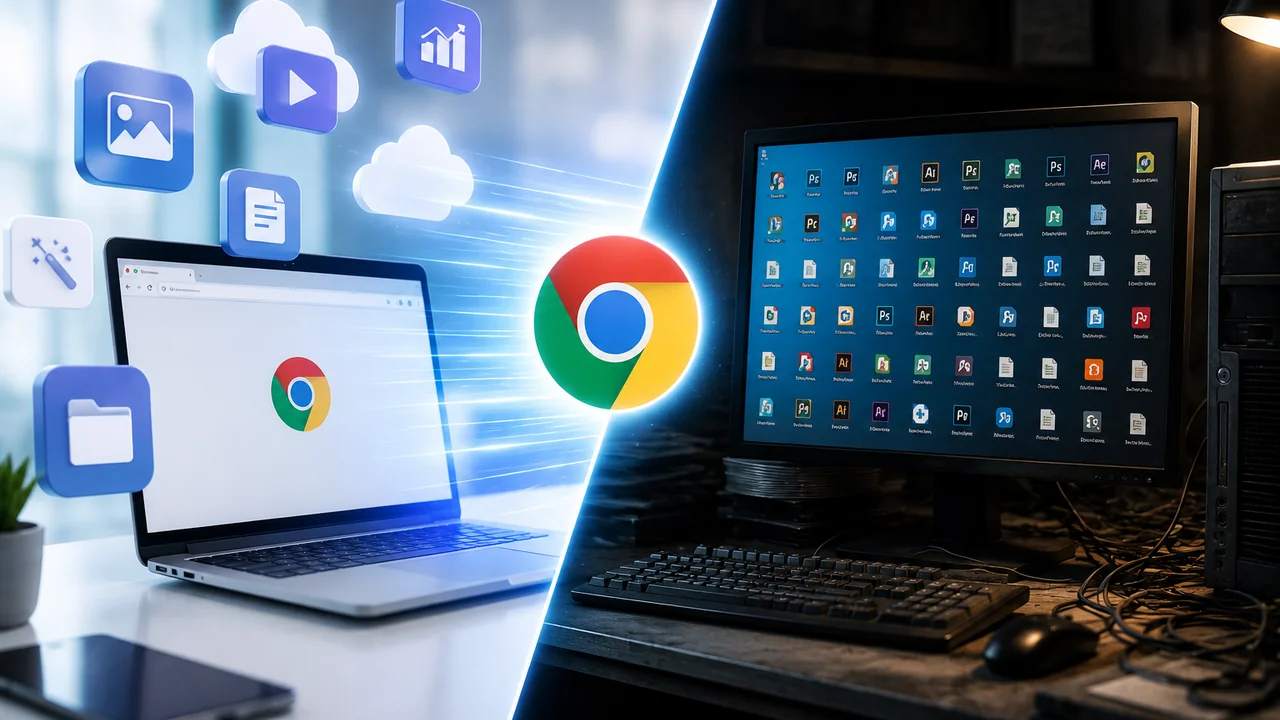
There was a time when, to convert a video, edit an image or compress a file, it was necessary to download and install heavy programs on the computer. Software such as VirtualDub, Format Factory, IrfanView and even pirated versions of Adobe Photoshop reigned supreme in the "Programs" folders of millions of Brazilian PCs. This era is coming to an end.
With the advancement of web technologies — especially WebAssembly, modern browser APIs and the significant increase in internet speed — online tools have gone from simple "limited alternatives" to complete solutions that, in many cases, are superior to installed software. In this article, we will analyze the differences, advantages and disadvantages of each approach and understand why the future clearly points to the web.
The era of downloads: hidden problems
Installing software on a computer has always involved risks and inconveniences that many users accepted as "normal" simply due to a lack of alternatives:
- Embedded malware: Free download sites like Baixaki, Softonic and others often included adware, unwanted toolbars and even malware in their installers. How many times have you accidentally ended up with an Ask toolbar in your browser?
- Incompatibility: Many programs only worked on Windows and did not have a version for Mac or Linux. Even on Windows, compatibility issues between versions (32-bit vs 64-bit, missing DLLs) were extremely common.
- Disk space: Professional video editing software can consume 2GB to 20GB of disk space — a serious problem for those with small SSDs or notebooks with limited storage.
- Constant updates: "Update now" pop-ups every week, premium versions that stop working when the license expires, and the need to manually download and install updates took up precious time.
- Learning curve: Professional software like FFmpeg (used in command line) was extremely powerful, but inaccessible to 99% of the population who did not have the technical knowledge to operate them.
The WebAssembly revolution
WebAssembly (WASM) is the technology that changed everything. Developed by the W3C with support from Google, Mozilla, Microsoft and Apple, it allows you to run high-performance code directly in the web browser, with speed close to that of native programs.
In practice, this means that it is possible to run FFmpeg — the same professional video converter that Netflix and YouTube use on their servers — directly within a Google Chrome tab. That's exactly what Free Conversion does: it uses a compiled version of FFmpeg in WebAssembly to convert, cut and extract audio from videos with professional quality, without a single byte of your file leaving your computer.
Other modern web technologies that power online tools include:
- Canvas API and OffscreenCanvas: Allow you to manipulate images pixel by pixel with GPU performance, replacing simple image editors.
- Web Workers: Allows you to perform heavy processing in parallel threads, preventing the browser interface from crashing during long conversions.
- File System Access API: Allows websites to access files directly on the user's disk (with permission), eliminating the need for upload/download for simple operations.
- Service Workers and Cache API: Allow web tools to work offline, after they are loaded for the first time.
Advantages of online tools
Browser-based tools offer benefits that installed software simply can't compete with:
- Zero installation: Open the website and use it. Works on Windows, Mac, Linux, ChromeOS, Android, and iPhone — any device with a modern browser.
- Always updated: When the developers update the tool, you receive the new version automatically on your next visit. No downloads, no installers, no restarts.
- Security via sandbox: The browser runs everything within a security sandbox. Even though the code has a vulnerability, it doesn't have access to your operating system, personal files, or hardware — unlike an installed program that can do basically anything on your computer.
- Privacy by design: Modern tools like Free Conversion process everything locally. Your files are not sent to any server — the processing takes place in your browser's memory.
- Resource saving: Does not take up permanent disk space. The tool loads on demand and is discarded when you close the tab.
When is installed software still necessary?
Despite all the advantages of web tools, there are scenarios where native software is still essential:
- Professional video editing: Software such as DaVinci Resolve, Premiere Pro and Final Cut Pro offer advanced non-linear editing, color grading, visual effects and compositing features that are not yet viable in the browser.
- 3D Modeling and CAD: Tools such as Blender, AutoCAD, and SolidWorks require direct GPU access and intensive processing that exceeds the current capabilities of WebAssembly.
- Professional music production: DAWs like Ableton Live, FL Studio and Logic Pro require extremely low audio latency (in real time) that web protocols cannot yet consistently guarantee.
- Processing very large files: Although web tools handle files up to 2-4GB well, processing 8K videos or projects with hundreds of gigabytes still requires native software.
The future: Progressive Web Apps (PWAs)
The line between "online tool" and "installed software" is increasingly blurred. Progressive Web Apps (PWAs) allow websites to be "installed" as applications — with an icon on the desktop, offline operation and access to operating system features — without having to go through traditional app stores or installers. It's the best of both worlds.
Conclusion
The web browser has become the new operating system. For most day-to-day tasks — converting videos, compressing images, shortening links, generating QR Codes — there is no longer a need to download and install programs. Online tools like Free Conversion offer the same (or better) processing quality, with the convenience of working on any device, without installation and with complete privacy. The future of digital work is web-first.